
UI Sound Effects — 145 Interaction Sounds · Bencho

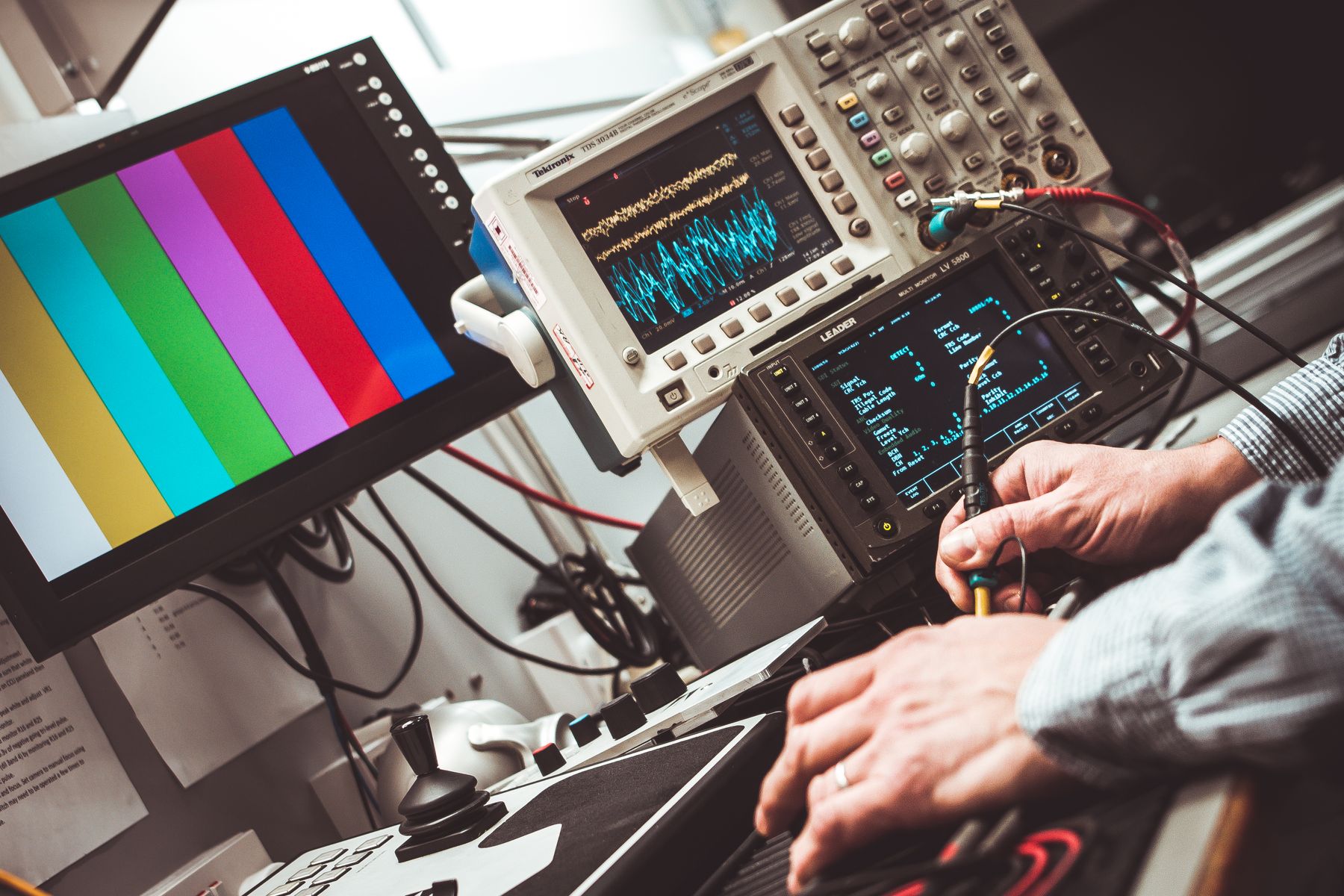
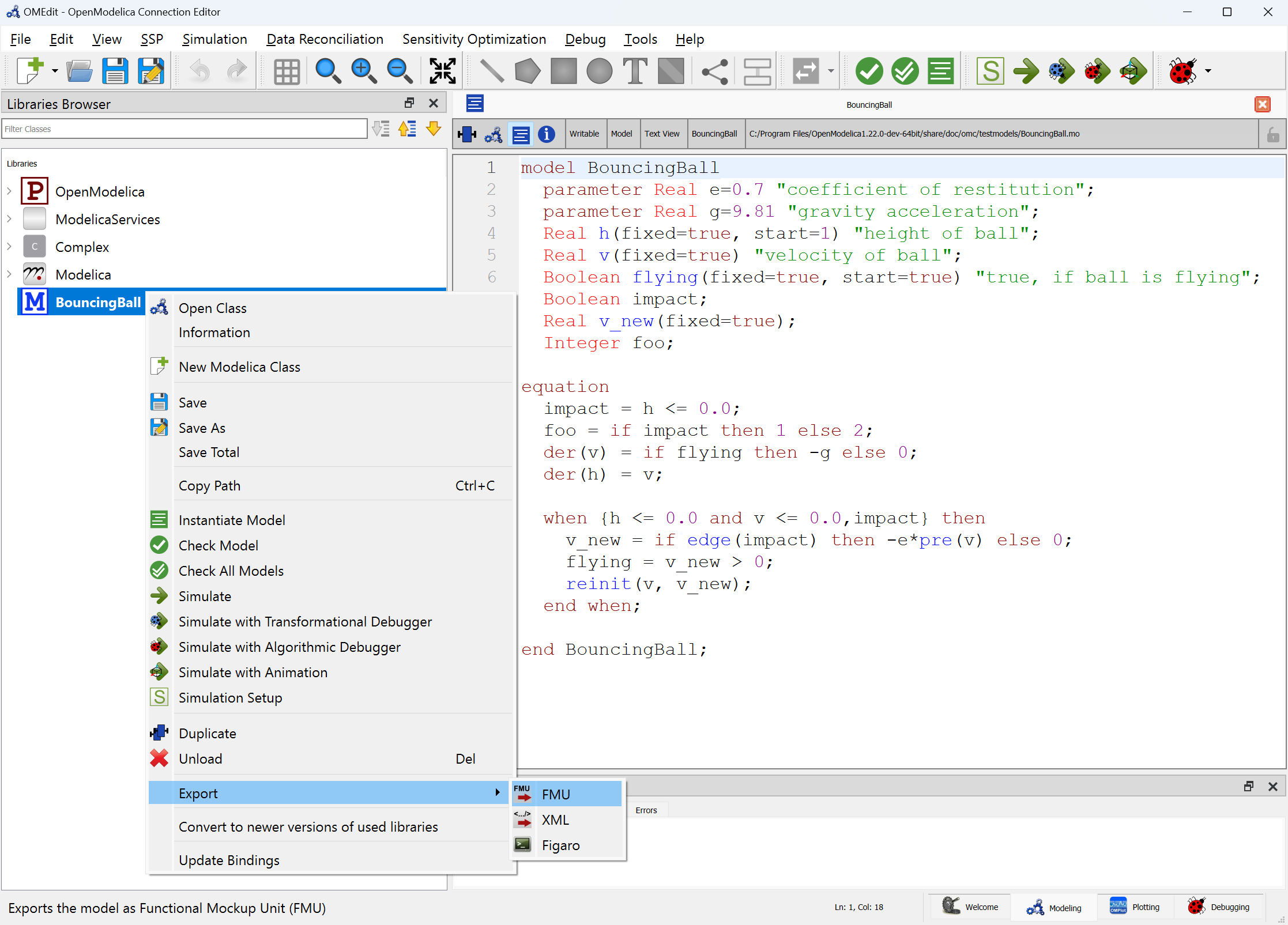
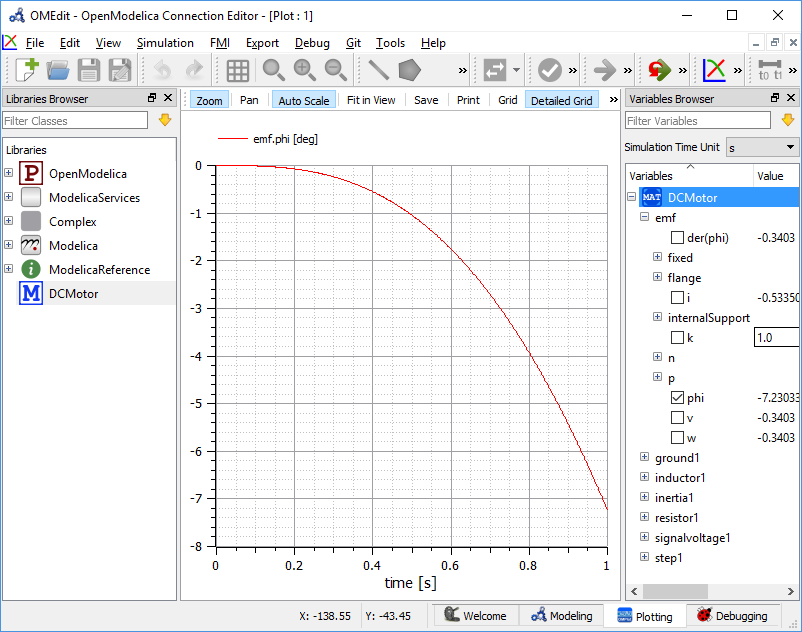
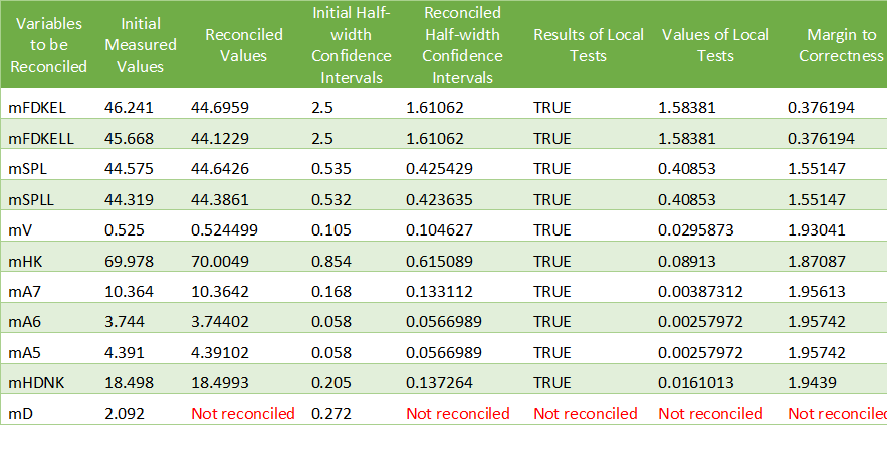
联合仿真通常同时存在通信步长、各子模型内部求解步长和结果输出间隔。通信步长决定参与方什么时候交换数据,内部步长由FMU或工具的数值过程决定,输出间隔则影响保存与显示。把曲线保存得更密,并不代表耦合交换也更频繁。新航路仿真笔记建议先把这三项分别记录,再讨论精度与性能。本文讨论FMI…
When you guys have a breakup or a major fight, and even during marriage and relationships, the rule is to put your energy back into yourself.
First level is creating boundaries by limiting your energy. You remain…
Can we really rely on someone entirely? This questions cuts out the time so the question remains the same. I have wandered through this question for so long that I don’t even remember when I got into this world of…

MemesSounds is your destination for viral meme sounds, funny reactions, and trending audio clips. Explore entertaining sounds from gaming, anime, movies, social media, and internet culture. Discover popular audio and…
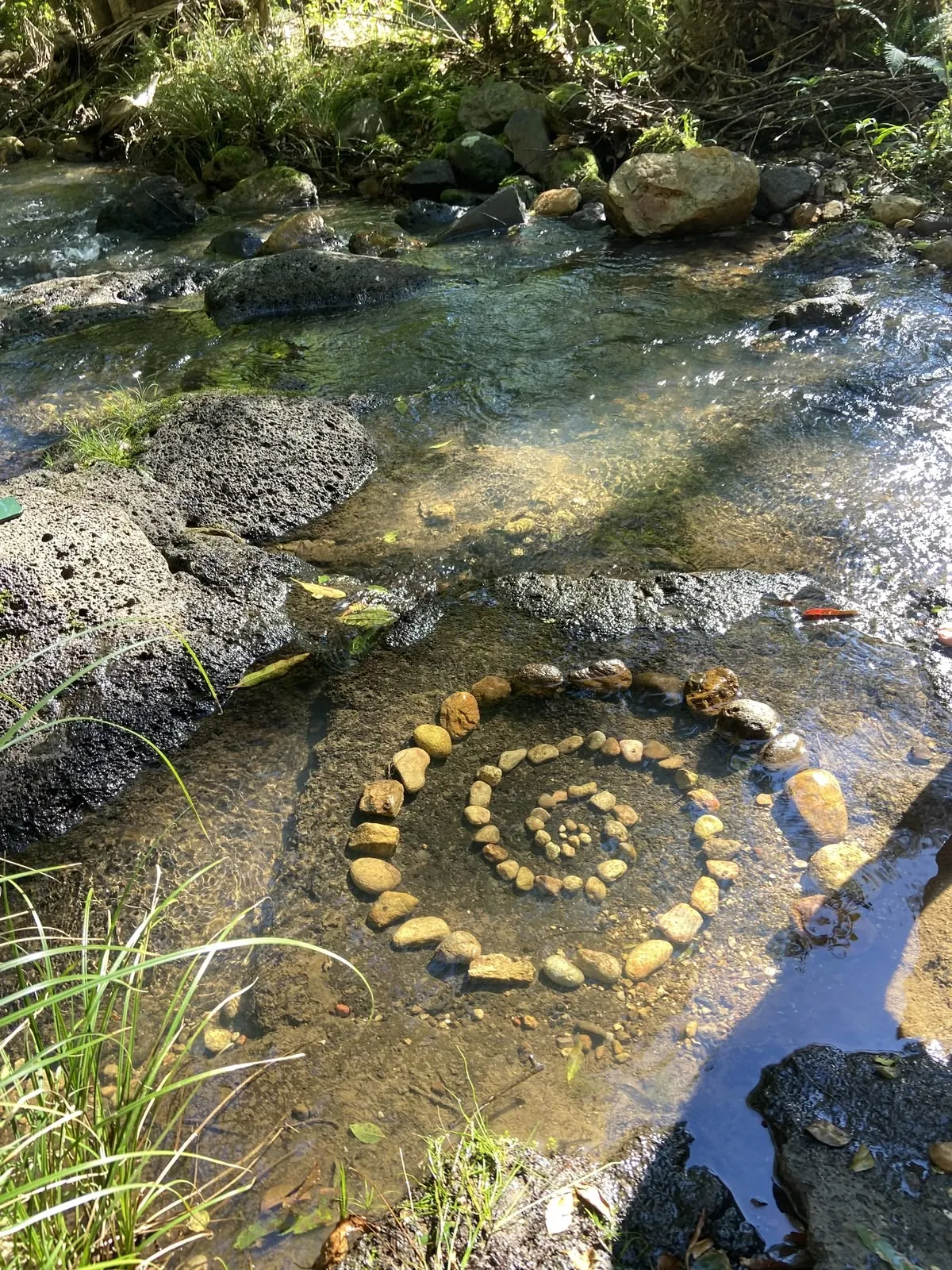
I’ve always been fascinated by spirals. I think life is one, too.
Nietzsche wondered if we could embrace our lives knowing we’d have to live them over and over again. Jung wrote about becoming whole by meeting the parts of ourselves we’ve kept hidden. Somewhere between repetition and becoming, I found the spiral.
We return to the same feelings, the same people, the same questions we thought we’d outgrown. For a while, I mistake it for going backwards. But a spiral never returns to quite the same place. It circles familiar ground while carrying us somewhere new.
Perhaps growth is meeting old versions of ourselves with newer eyes. Seeing truths we weren’t ready for, recognising patterns we once mistook for fate, and realising that some places no longer feel like home.
I don’t believe the universe arranges everything for a reason. But I like to think that returning isn’t always repeating.
Maybe growth isn’t a straight line away from who we were, but a quiet unfolding towards who we’re becoming. And perhaps the beauty of a spiral is this: we can find ourselves at the beginning again without being the person who started.
ご案内1234
公開後も作成者が管理できる
公開後も作成者が管理できる
公開後も作成者が管理できる
Hey, My Name is silverclaw.
Im a 14 years Old therian and Im new here.
Claramente explicare mi razón, no lo digo en general, es sencillo si, estas en tu casa, comes lo que quieres, te tomas los breaks que necesitas.
Lo tienes todo.
Pero de mi lado, a pesar de tenerlo todo a el alcance, es…
Hola, me presento, soy Ed, seguro que ya me conoces o no dependiendo de como llegaste a este “blog” que puse en alguna de mis redes sociales, La verdad me llamo mucho la atención de tener algún sitio donde poner lo que…
P…
« Souviens-toi que tu es poussière et que tu retourneras en poussière »
Ce chapitre, je te l’adresse, abuela.
Je suis en face de ma genèse. Assise par terre, tête-à-tête avec lui, je regarde droit dans les yeux le…


Worth discovering
Blogs kept by real people — follow a few to fill your feed.



















خزانة الرجل الذكية: كيف تختار ملابس النوم والثياب والمستلزمات الرجالية المناسبة؟ تختلف احتياجات الرجل من الملابس باختلاف طبيعة يومه، فقد يبدأ صباحه بالاستعداد للعمل، ويقضي جزءًا من يومه في الاجتماعات أو الزيارات، ثم يعود إلى المنزل بحثًا عن الراحة والاسترخاء. وبين هذه المواقف المتنوعة، تظهر أهمية امتلاك خزانة ملابس عملية تضم قطعًا تناسب كل وقت، وتساعد على الحفاظ على مظهر مرتب دون الحاجة إلى…
دليل الرجل الذكي لبناء خزانة متكاملة من الشماغ إلى الأحذية والإكسسوارات تبدأ الأناقة الحقيقية عندما يعرف الرجل كيف يختار احتياجاته بعناية، ويحول القطع الأساسية الموجودة في خزانته إلى إطلالات متعددة تناسب حياته اليومية ومناسباته المختلفة. فالمظهر المتناسق لا يعتمد على شراء أحدث المنتجات أو امتلاك عدد كبير من القطع، بل يرتبط بالقدرة على تحديد الأولويات، وفهم طبيعة الاستخدام، واختيار التفاصيل التي…
كيف تختار الملابس الرجالية الأساسية؟ دليل عملي للراحة والأناقة مع شخصية الرجل تتجاوز خزانة الرجل الناجحة فكرة امتلاك مجموعة كبيرة من الملابس، فهي تعتمد في الأساس على اختيار القطع التي تخدم احتياجاته اليومية وتناسب طبيعة حياته. فالرجل الذي يقضي ساعات طويلة في العمل يحتاج إلى ملابس تمنحه الراحة وتساعده على الحركة بسهولة، بينما يحتاج من يكثر من التنقل إلى قطع عملية يمكن الاعتماد عليها في ظروف…

Children today are growing up in a world where technology plays an important role in education, communication, entertainment, and future careers. Learning how technology works can help them become more confident and capable learners. One way to introduce children to technology is through coding, which teaches them how to give instructions, solve problems, and turn ideas into practical outcomes…

English is an important part of school education, but students can have very different levels of language ability. Some learners may be comfortable reading English while needing more speaking practice. Others may need support with vocabulary, pronunciation, grammar, or comprehension. Digital learning tools are giving schools additional ways to address these differences. An AI English platform…







مكتب استخراج تصريح زواج في السعودية وخدمات التعقيب وإنجاز المعاملات تتطلب المعاملات الحكومية في المملكة العربية السعودية معرفة دقيقة بالإجراءات الرسمية، واستعدادًا جيدًا لتجهيز المستندات ومراجعة البيانات قبل تقديم الطلبات. ويبحث الكثير من المواطنين وأصحاب الأعمال عن جهة تساعدهم على تنظيم معاملاتهم ومتابعتها بطريقة احترافية، سواء كانت متعلقة بتصاريح الزواج أو بالخدمات الإدارية الخاصة بالمنشآت. ومن…
مكتب استخراج تصريح زواج: خدمات معقب استخراج تصريح زواج في السعودية يحتاج استخراج تصريح الزواج في المملكة العربية السعودية إلى معرفة دقيقة بالإجراءات النظامية والمتطلبات التي تختلف باختلاف حالة مقدم الطلب وظروف الزواج. ولهذا يبحث الكثير من المواطنين عن جهة متخصصة تساعدهم على فهم الخطوات المطلوبة، وتجهيز المستندات، ومتابعة المعاملة بطريقة منظمة تقلل من الأخطاء وتوفر الوقت والجهد. ويقدم مكتب…
مكتب استخراج تصريح زواج وإجراءات الموافقة الرسمية في السعودية تتطلب معاملات الزواج في المملكة العربية السعودية معرفة دقيقة بالإجراءات الرسمية والاشتراطات التي تنظم زواج المواطنين والمواطنات من غير السعوديين، إذ تختلف المتطلبات بحسب طبيعة الحالة والوثائق المتاحة والضوابط المعمول بها لدى الجهات المختصة. ويبحث الكثير من الأشخاص عن مكتب متخصص يساعدهم على فهم خطوات التقديم وتجهيز المستندات ومتابعة…

Paste a link. Paste a photo. Paste a thought.
Each one becomes an entry on yourname.textpad.cloud.


What a paste becomes
Press Cmd/Ctrl+V on the home page and your clipboard becomes a real blog post - with its own URL - in under a second. A photo, a screenshot, an article URL, a YouTube link, a paragraph of text: paste it, get a page. You can also drag-and-drop a file from your desktop. No uploader, no setup, no account between paste and a live URL.
No sign-up between paste and a live URL
URLs unfurl into rich preview cards automatically
Claim the blog with an account when you're ready
No pre-conversion, no export-import. Drop a file on the page, or paste its contents — each type is recognized and inserted in the right place, with the right rendering.
Images
PNG, JPEG, WebP, GIF — plus HEIC from iPhones (auto-converted on upload).
Videos
MP4, WebM, MOV, MKV, AVI, OGG. Hosted for inline playback.
Audio
MP3, WAV, FLAC, AAC, M4A. Native HTML5 player embedded in the post.
Markdown & text
.md, .markdown, .txt — converted to rich blocks on import.
HTML
Drop a .html file: we host it as a sandboxed interactive embed.
Links
YouTube, Vimeo, articles — paste the URL, we generate a preview.
drop a file here
Paste your existing RSS or Atom feed URL and we pull every post in. Images are downloaded and rehosted — no broken hot-links the day your old platform goes offline. Slugs and dates are preserved.
WordPress, Ghost, Substack, Medium — anything that exposes a feed
Images mirrored on our servers so the migrated archive is self-contained
Original publish dates and slugs kept — your old links stay meaningful
Drop a photo from your desktop, paste a screenshot from your clipboard, or drag a file straight onto the page. The image appears inline, full-quality, with a resize handle. Type**bold**, ## headings, or any other Markdown shortcut and it converts as you type. No image-host setup, no upload-then-paste-the-URL dance.
Paste images straight from your clipboard with Cmd/Ctrl+V
Drag-and-drop a file from your desktop, anywhere on the page
Resize handles, sketches, and freehand drawing built in
Same affordance for videos and audio - drop it, embed it
Markdown shortcuts work too if that's how you write
async function paste() {
  const blog = await clipboard.read()
  return 'live in 1s'
}
Paste a snippet — the editor detects the language and syntax-highlights it. Drop a .py, .js, .html, .json file from your desktop and the same thing happens. No fenced-markdown gymnastics, no copy-paste-reformat dance.
Auto-detected language, manual override available
Light or dark theme, picked per block
Drop a code file → instant code block with the right lang
Already own yourdomain.com? Connect it in one click and your blog serves at your own address, fully white-label. No Textpad logo, no header, no footer, no sign-in prompt. Just your archive and your writing.
Apex (yourdomain.com) and subdomains (www, blog…) supported
SSL certificate auto-issued and renewed for you
Visitors never see Textpad, your domain, your brand
Readers can tap the heart, but they don't have to. A post that holds a reader for more than ten seconds gets credited automatically. The number of dwell-likes counts as a quieter signal alongside the explicit ones, so the page rewards reading, not just clicking.
One-click likes, anonymous or signed-in
Dwell-time auto-likes after ~10 seconds in view
Reader counter shows how many people lingered
Keep a blog public but gated: set one password and only readers who know it get in. Enter it once and you stay unlocked.
One password for the whole blog, share it with whoever you trust
Index, posts and RSS all stay behind the gate
Readers enter it once, then stay unlocked on their device


