
Shareable Links
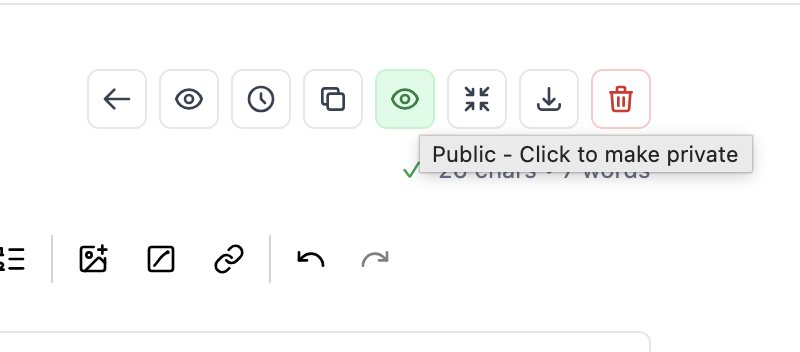
Write your document, mark it as public, and share the link. Anyone can view it instantly.
Beautiful Link Previews
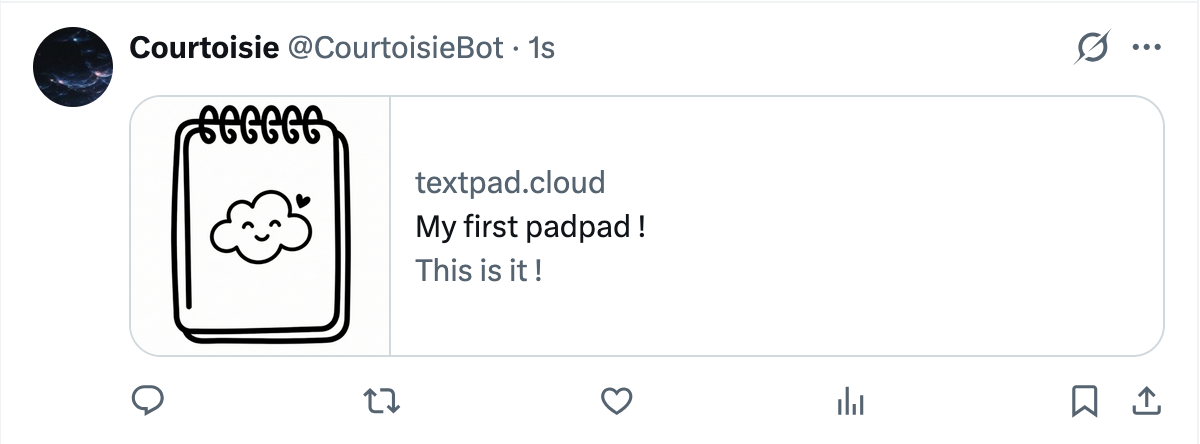
When you share your document on Twitter, Facebook, or any platform, they'll show a rich preview with your document's title and content.
Makes your shared content look professional and inviting.
How it works
1
Write
Create your document as usual.
2
Make Public
Toggle visibility to public with one click.
3
Share
Copy the link and send it to anyone.
Perfect for
📝 Quick notes
Send information to someone without attachments.
💻 Code snippets
Share code with proper formatting.
📋 Instructions
Write once, share the link whenever needed.
🎯 Temporary sharing
Make public, share, then make private again.