Images & Drawings
Your text pad is more than text. Add images, resize them on the fly, and draw directly in your documents.
Draw Your Ideas
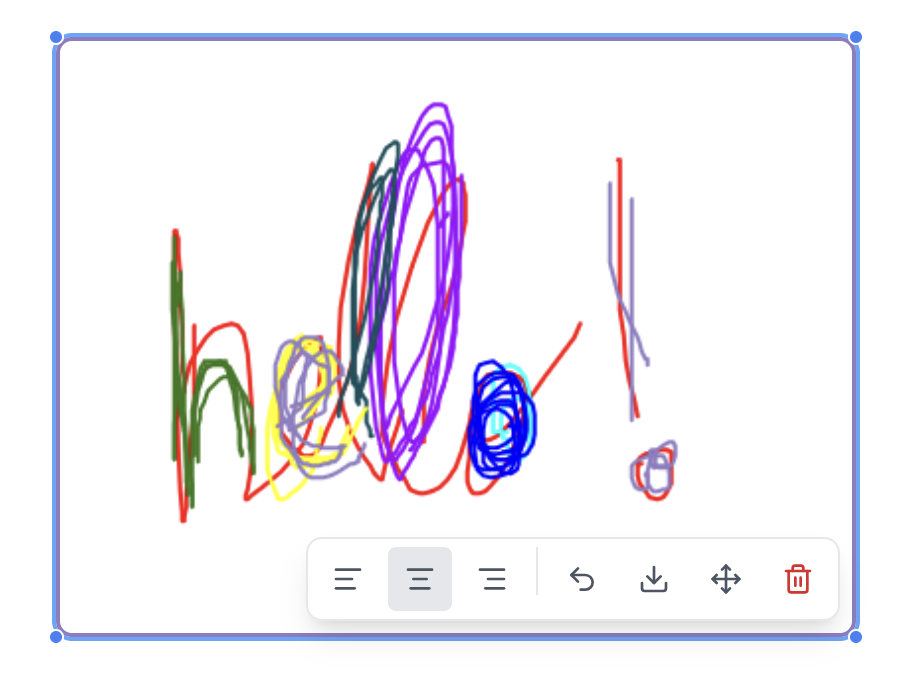
Open the brush tool and sketch directly in your document. Perfect for quick diagrams, annotations, or just doodling while you think.
- ✓ Multiple brush sizes
- ✓ Color picker
- ✓ Eraser tool
- ✓ Drawings save automatically
Drawings Live With Your Text
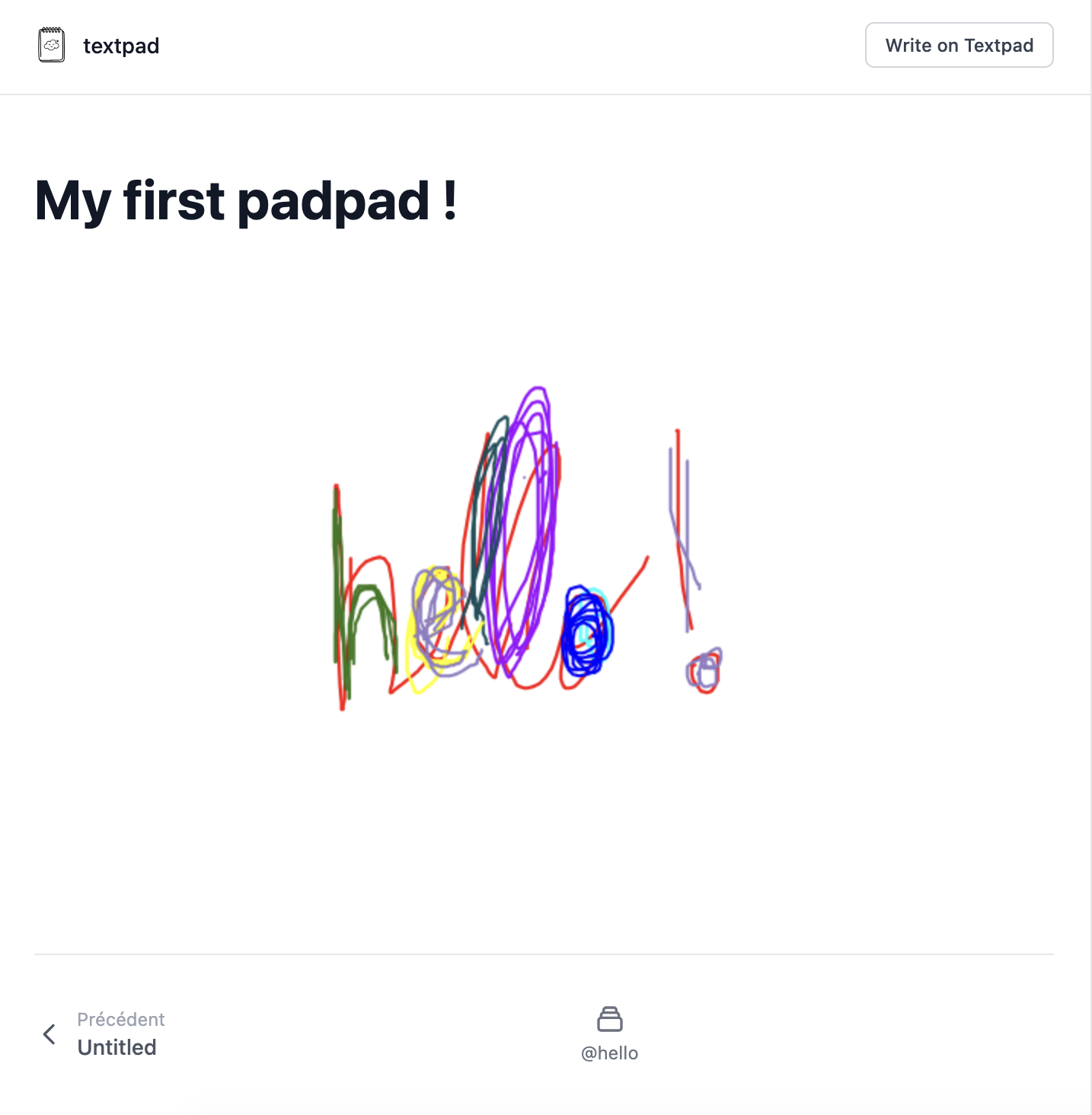
Your drawings aren't separate files. They're embedded right in your document, flowing with your text. Share the document and your drawings come along.
Change Fonts on the Fly
Switch between fonts instantly. See your text transform as you pick different styles.
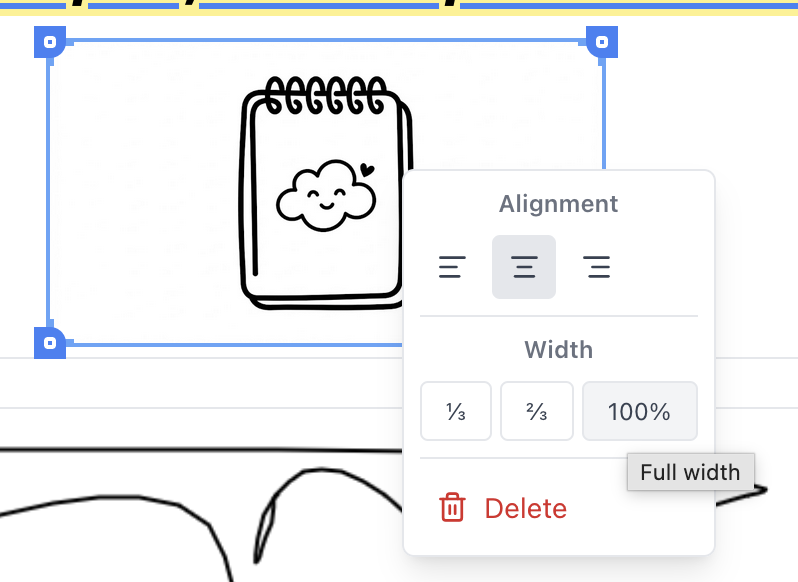
Resize Images Instantly
Drag the corners to resize any image. Make it full-width or keep it small. The layout adapts to your content.
Drag and drop images, or paste from clipboard. We handle the rest.